
An email sequence sends a reviewed series of messages to eligible recipients according to its configured trigger and delays. To make it work, you need more than generated copy: a valid sender, the right audience, consent and suppression checks, activation and confirmed delivery evidence.
Configure the sender and audience
Select the correct company workspace. Confirm the sender name, sender address and reply-to address, and finish the domain or provider setup required by the interface. Sending permission for one workspace should not be assumed to apply to another.
Choose the entry trigger and segment. Review the contact's source and consent in Leads. Define exclusions such as customers, opted-out contacts or people who have already completed the action the sequence promotes. A lead's existence alone is not evidence that it may receive marketing email.
Review every step
Give each email one useful purpose and a clear next action. Check the subject, preview text, links, mobile layout, company identity and unsubscribe link. Use a readable design that still makes sense when images are blocked.
Read the delay labels carefully. A delay relative to the previous step differs from an absolute time after enrollment. Write the intended timeline on paper before activation to catch accidental same-day sends or long gaps.
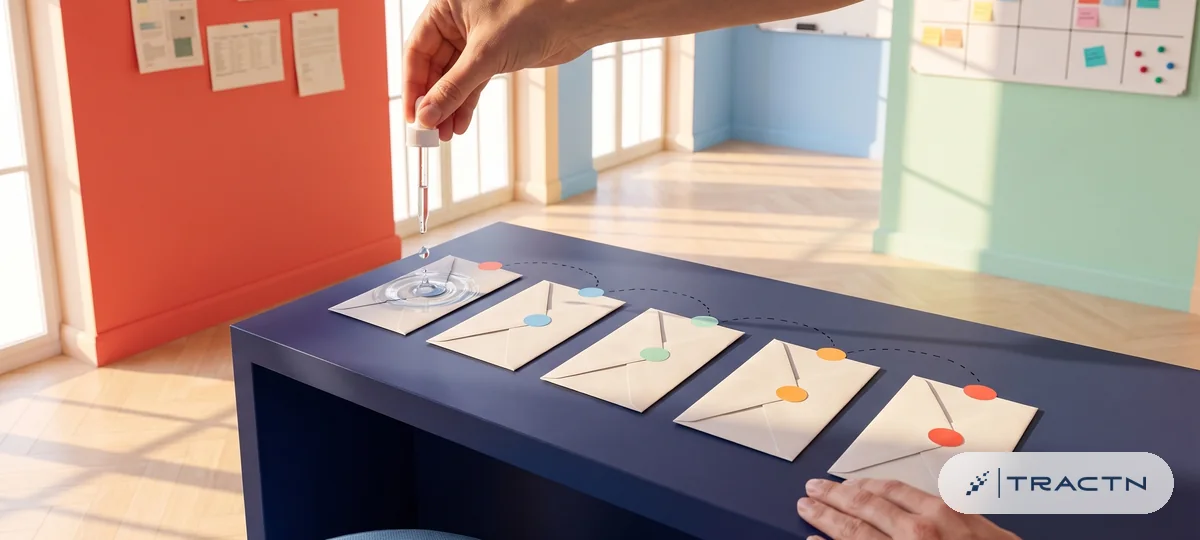
Illustration: subscriber profiles beside a marketer. Product screens may differ.
Test before activating
- Send a test to an inbox you control and inspect the actual message.
- Check links, reply behavior and the opt-out destination.
- Run an eligible test signup or lead entry through the real flow.
- Verify the lead appears in the correct workspace and enters only the intended sequence.
- Confirm delivery status rather than relying only on provider acceptance.
“Accepted” means the sending provider accepted the request. It is not the same as confirmed delivery or a visible inbox placement. Delivery can be delayed, rejected or filtered, so inspect provider status and the recipient inbox when troubleshooting.
Activate with a clear exit rule
A welcome sequence helps a new user begin; a nurture sequence helps an eligible inactive contact take the next step. Keep those purposes distinct and avoid overlapping messages. The lead lifecycle guide explains the transition from signup to follow-up.
Monitor bounces, complaints, opt-outs and recorded downstream actions. Open counts can be affected by email-client behavior and should not be treated as proof of interest. Update content and eligibility deliberately; a generated campaign email does not become an active sequence simply because it appears in the content plan.
Frequently asked questions
Why is my generated welcome email not sending?
Check that the sequence is active, the sender is configured and the contact meets its trigger, segment and consent rules. A saved email draft alone does not activate delivery.
Does provider acceptance mean the email reached the inbox?
No. Acceptance means the provider accepted the request. Inspect delivery status and a controlled recipient inbox when testing; filtering or delivery failures can occur afterward.
When should a nurture sequence stop?
Define exits that match its purpose, such as completing the promoted action, becoming a customer or opting out. Verify that those exclusions are enforced before relying on automation.
Sources
Tractn documentation
Related first-party guides for the Tractn workflows discussed here; these are product documentation, not independent research.